
Tank level alarms with hysteresis in Structured Text
An alarm that switches at a single setpoint chatters when the level hovers on it. This example gives each alarm two thresholds, so it sets at one level and clears at another. The gap between the two is the deadband.
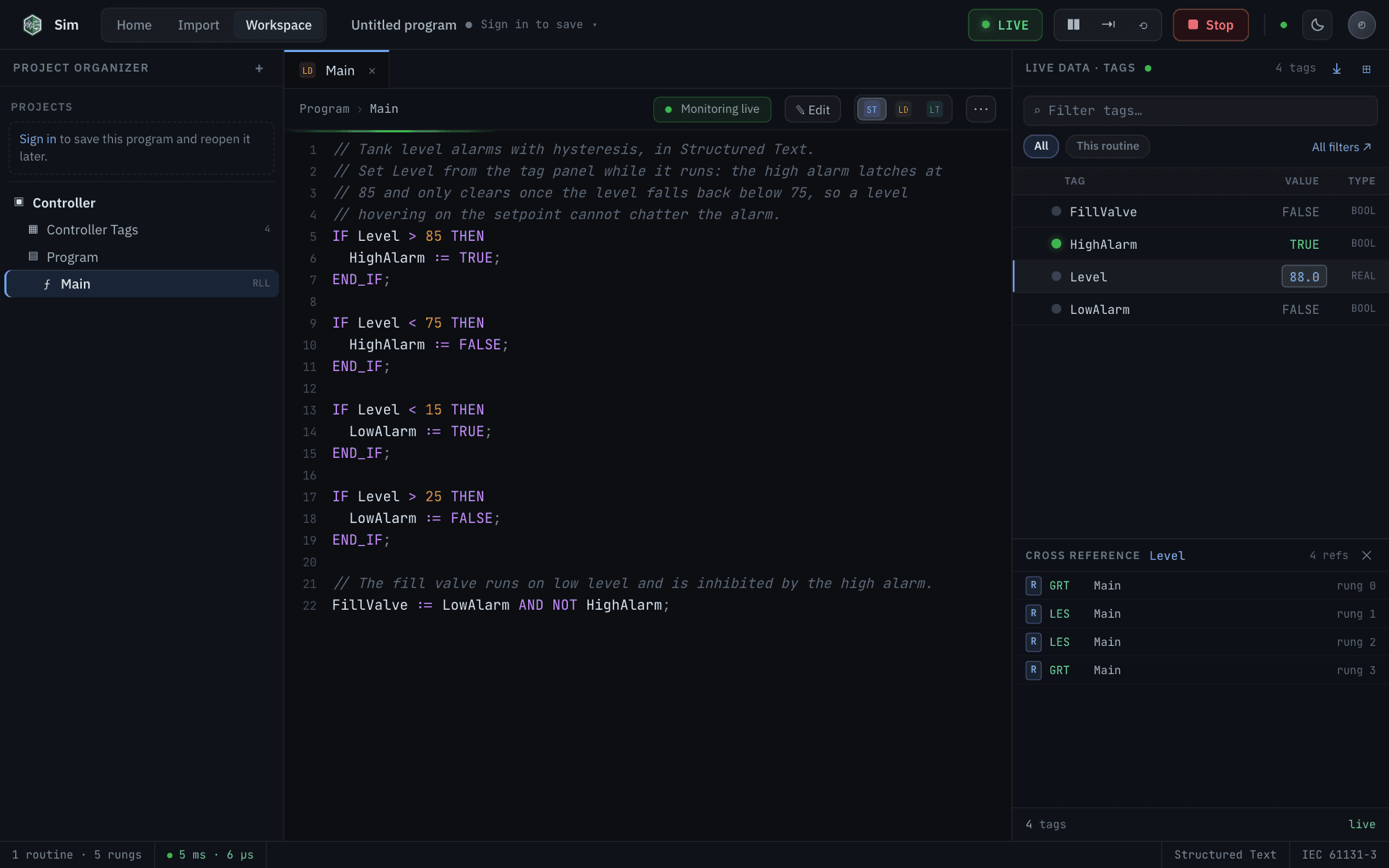
The program
// Tank level alarms with hysteresis, in Structured Text.
// Set Level from the tag panel while it runs: the high alarm latches at
// 85 and only clears once the level falls back below 75, so a level
// hovering on the setpoint cannot chatter the alarm.
IF Level > 85 THEN
  HighAlarm := TRUE;
END_IF;

IF Level < 75 THEN
  HighAlarm := FALSE;
END_IF;

IF Level < 15 THEN
  LowAlarm := TRUE;
END_IF;

IF Level > 25 THEN
  LowAlarm := FALSE;
END_IF;

// The fill valve runs on low level and is inhibited by the high alarm.
FillValve := LowAlarm AND NOT HighAlarm;
How it works
HighAlarm sets when Level goes above 85, and nothing in the program clears it until Level falls below 75. Between 75 and 85 neither IF statement fires, so the alarm keeps whatever state it had. That memory is the hysteresis.
LowAlarm mirrors it at the bottom of the tank: on below 15, off again above 25.
The last line opens FillValve on low level and lets the high alarm inhibit it: FillValve := LowAlarm AND NOT HighAlarm. Because the valve follows LowAlarm, it closes again once the level climbs past 25. A real fill sequence would usually keep filling to a higher level, which makes a good first change to try.
There are no VAR declarations. In PLCflow Sim a Structured Text file holds logic only. Tags live in a tag database, as they do in a Studio 5000® project, and they are created from how the code uses them.
Try this
In the simulator, an input changes when you click it in the tag list: click once to turn it on and again to turn it off. To press a button, turn it on; to release it, turn it off; to pulse it, do both.
- Set Level to 90: HighAlarm turns on. Bring it down to 80: the alarm stays on. Go below 75 and it clears.
- Set Level to 10: LowAlarm and FillValve turn on. Raise it to 20 and both stay on. Above 25 they clear.
- Change the program so FillValve stays open until the level reaches 60, then run it again.
Tags
| TAG | ROLE |
|---|---|
| Level | Tank level, set from the tag panel. |
| HighAlarm | BOOL. On above 85, off below 75. |
| LowAlarm | BOOL. On below 15, off above 25. |
| FillValve | BOOL. Open on low level, inhibited by the high alarm. |
More examples
Traffic light sequencer
Structured TextThree chained timers cycle forever with no input. Press Run and watch it go.
Pump station (L5X)
L5X importAn L5X program export with lead/lag pumps, program-scope tags and a JSR'd alarm routine.
Read more about the Structured Text simulator, or see all examples.